Uncategorized
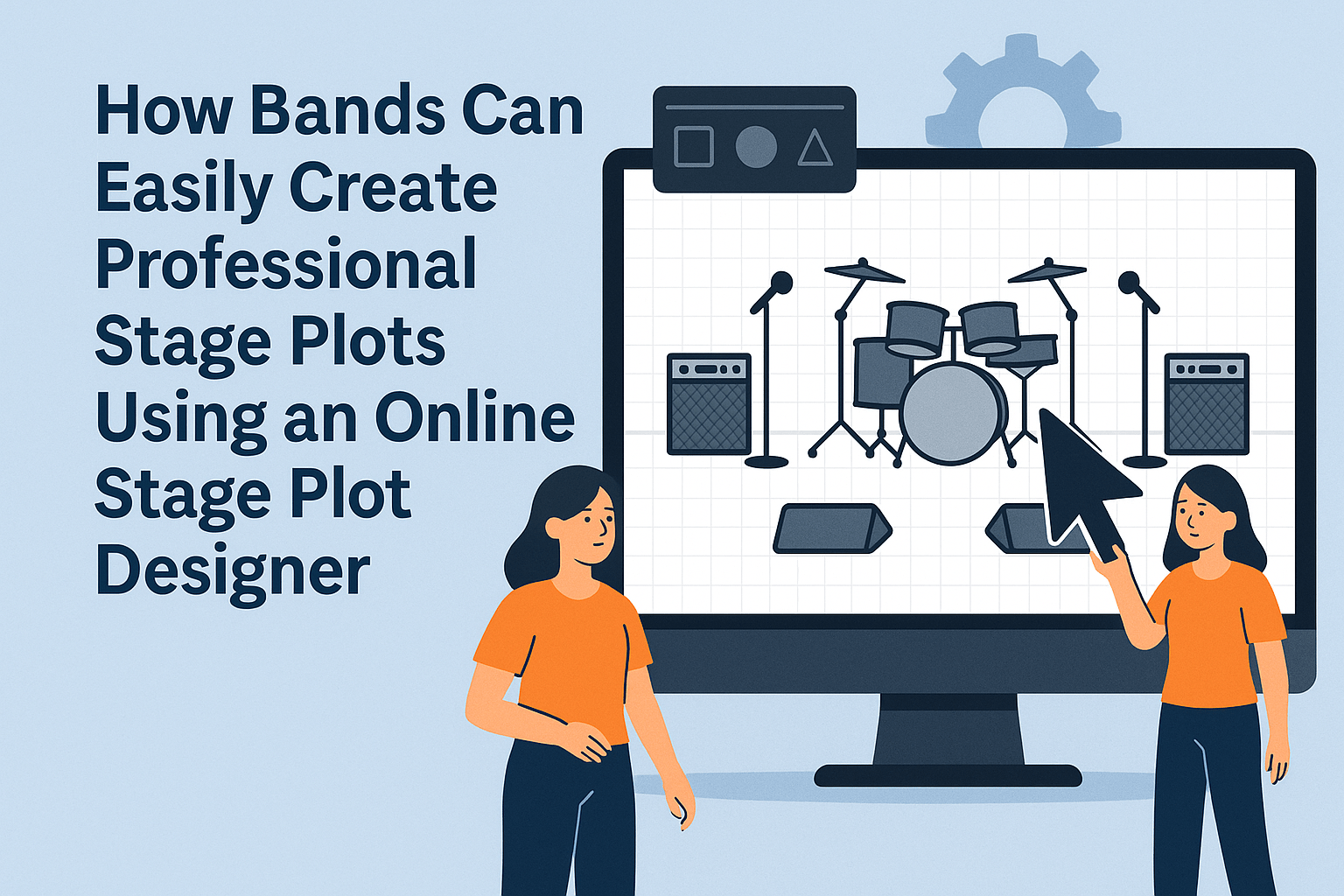
How Bands Can Easily Create Professional Stage Plots Using an Online Stage Plot Designer

When you’re preparing for a live show, few things are as important—and as often overlooked—as a stage plot. Whether you’re a solo artist, a small band, or a touring act, a clear and professional stage plot is essential for sound engineers, stage crews, and venues. It ensures that everyone knows exactly where each musician, instrument, and piece of equipment needs to be placed before the performance begins.
Today, creating a stage plot is easier than ever thanks to modern stage plot designer tools. These online platforms allow musicians of all experience levels to build polished stage plots within minutes—no design background required.
What Is a Stage Plot and Why Do Bands Need One?
A stage plot is a visual layout showing how your band will be positioned on stage. It typically includes:
● The placement of each musician
● Instruments (electric guitars, bass, drums, keys, etc.)
● Microphones and stands ● Monitor wedges or in-ear systems
● Amplifiers and cabinets
● DI boxes
● Additional equipment like risers, percussion, or backing tracks setups
Venues and sound engineers rely on stage plots to set up quickly and correctly. Without one, your sound check can be delayed, the stage can feel disorganized, and miscommunication becomes almost guaranteed. A well-made stage plot saves time, reduces stress, and ensures your show starts exactly how you want it.
Why Use an Online Stage Plot Designer?
Gone are the days of drawing your stage plot by hand or struggling with confusing graphic software. A modern stage plot designer offers:
1. Drag-and-Drop Simplicity Just pick icons from a library—drums, amps, wedges, mics—and drop them onto the stage grid.
2. Hundreds of Professional Icons Many tools offer 300–500+ icons for every type of musician and setup, allowing you to accurately represent your band.
3. Real-Time Editing Move elements around instantly, resize them, or add text labels for clarity.
4. Easy Sharing Send your stage plot to bandmates, venues, or sound engineers by link or email.
5. PDF Export Download a clean, high-resolution PDF to attach to your tech rider or booking inquiries.
6. Works in the Browser Most online stage plot designers require no installation—just open the tool, create, and send.
How to Create a Stage Plot for Your Band Using an Online Stage Plot Designer
Creating a stage plot is straightforward. Here’s a step-by-step guide:
Step 1: Choose a Stage Plot Designer Tool
Pick an online tool that offers drag-and-drop features and plenty of icons. Many tools are free or offer free versions.
Step 2: Add Your Musicians
Start by placing each band member: singer, guitarist, drummer, keyboard player, etc.
Step 3: Add Equipment Icons
Include all essential gear:
● Drum kit
● Guitar amps
● Bass rig
● Keyboard stand
● Microphones
● Monitor wedges
● DI boxes
● Pedalboards
Step 4: Label Everything Clearly
Add text:
● “Lead vocal – needs reverb and monitor mix A”
● “Bass amp – DI required”
● “Keyboard stereo out L/R”
The clearer the information, the easier the setup.
Step 5: Check Your Layout
Make sure spacing looks realistic:
● Drums usually centered in the back
● Guitarists on left/right
● Vocal mics in front
● Keyboards on a stable side area
Step 6: Download and Share
Export your plot as a PDF and send it to the venue ahead of time.
Why Every Band Should Use a Stage Plot Designer
Even small bands benefit enormously from having a stage plot ready to go. It shows professionalism, avoids setup chaos, and allows the technical crew to prepare the perfect sound. With a stage plot designer, the entire process is fast, accurate, and accessible for everyone.
Whether you’re playing a local club or a festival stage, a good stage plot ensures your performance starts smoothly—and sounds exactly the way you envisioned.

